
Your website.
Right from the app.
Pick blocks, adjust texts, publish.
 eFunkeys
Chat, voice, events and your website – all in one place.
Chat, voice and events for your people – and a website of your own for everyone else.
Pick blocks, adjust texts, publish.
Class help, loot council and map pools for nine games, with verified data.
Channels, voice rooms and events – your people in one place.
Every community builds its own presence. The controls stay the same for everyone.
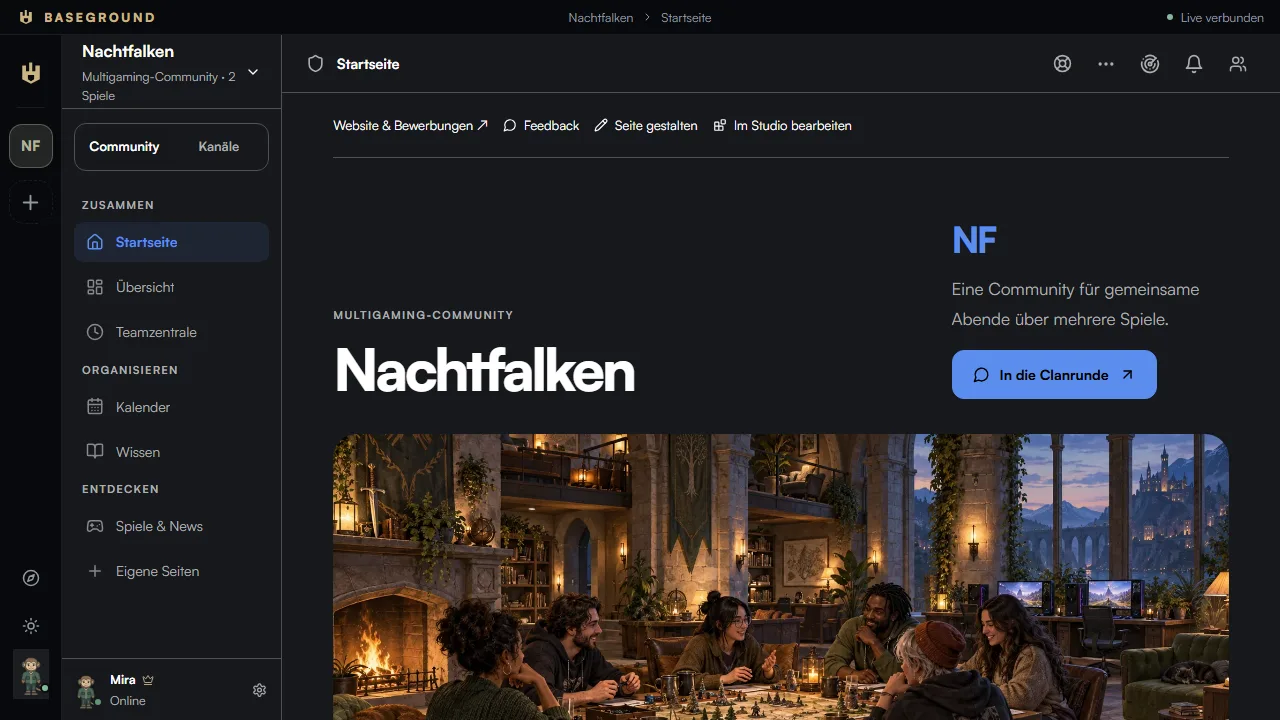
Pictures, news and the next events – the first thing your people see.
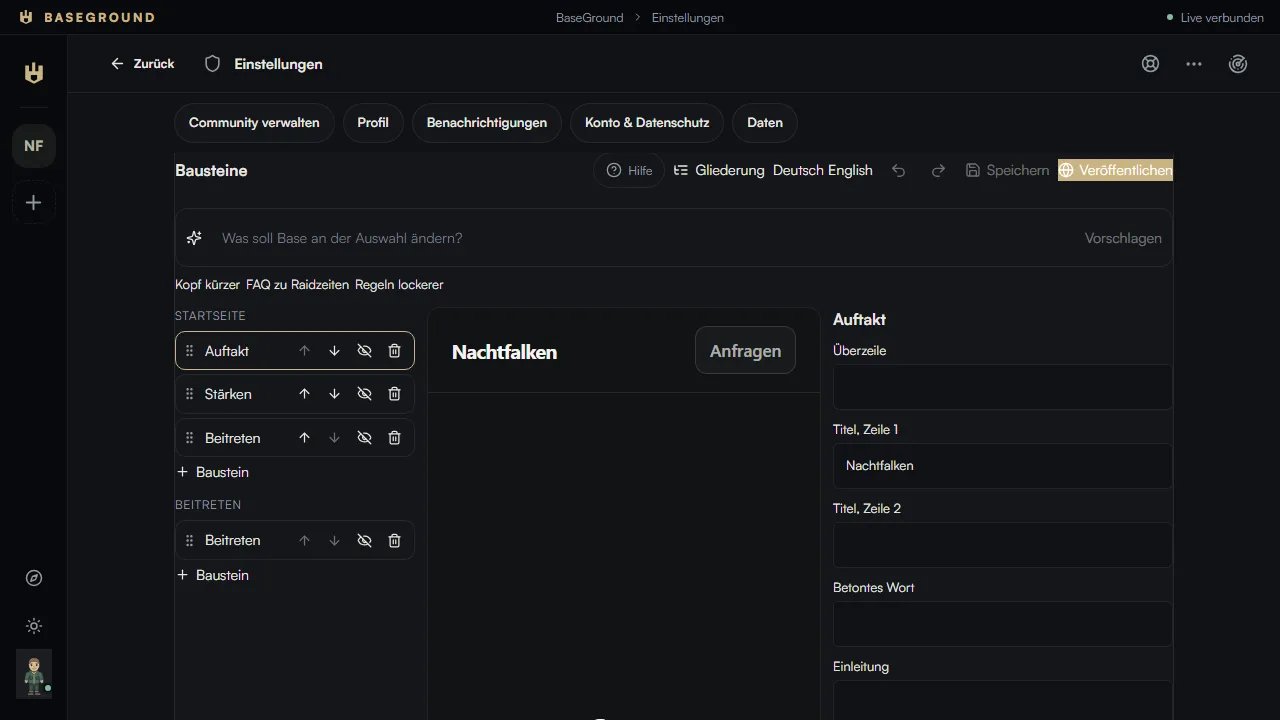
Pick blocks, adjust texts, publish in German and English – at your address or your own domain.
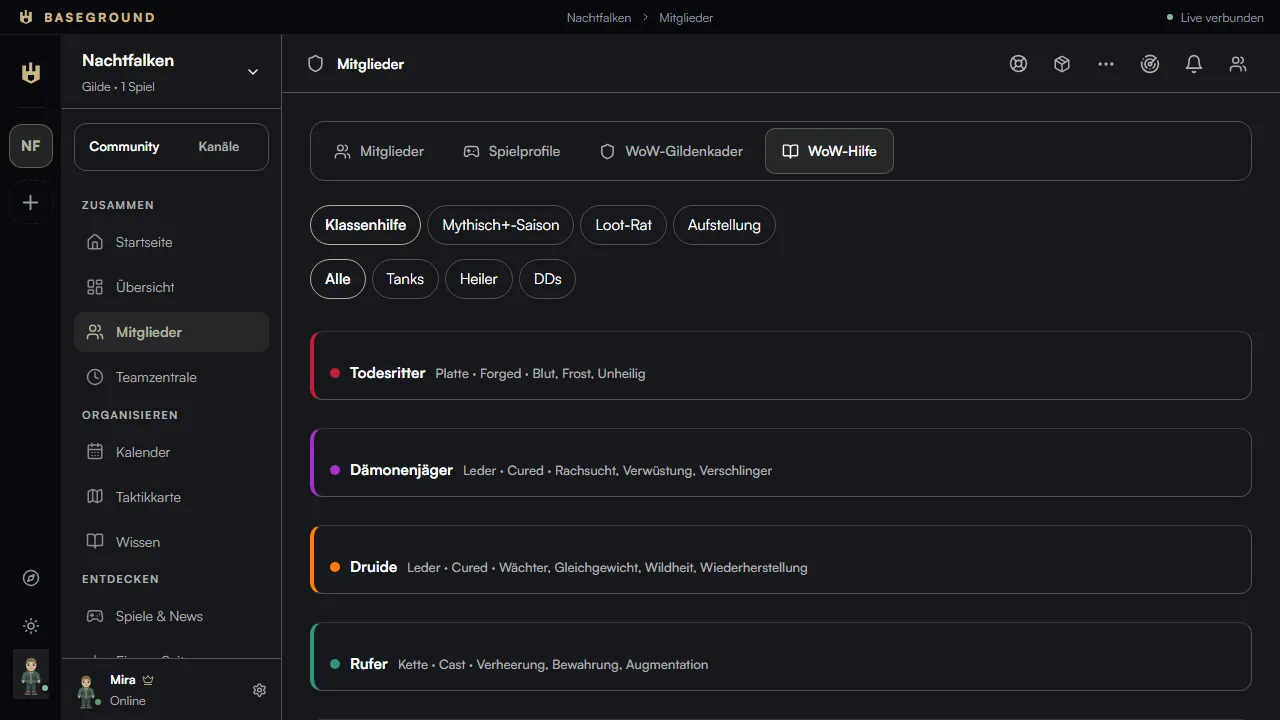
Class help, loot council and raid setup, map pools and roles – for nine games, with a check date on every detail.
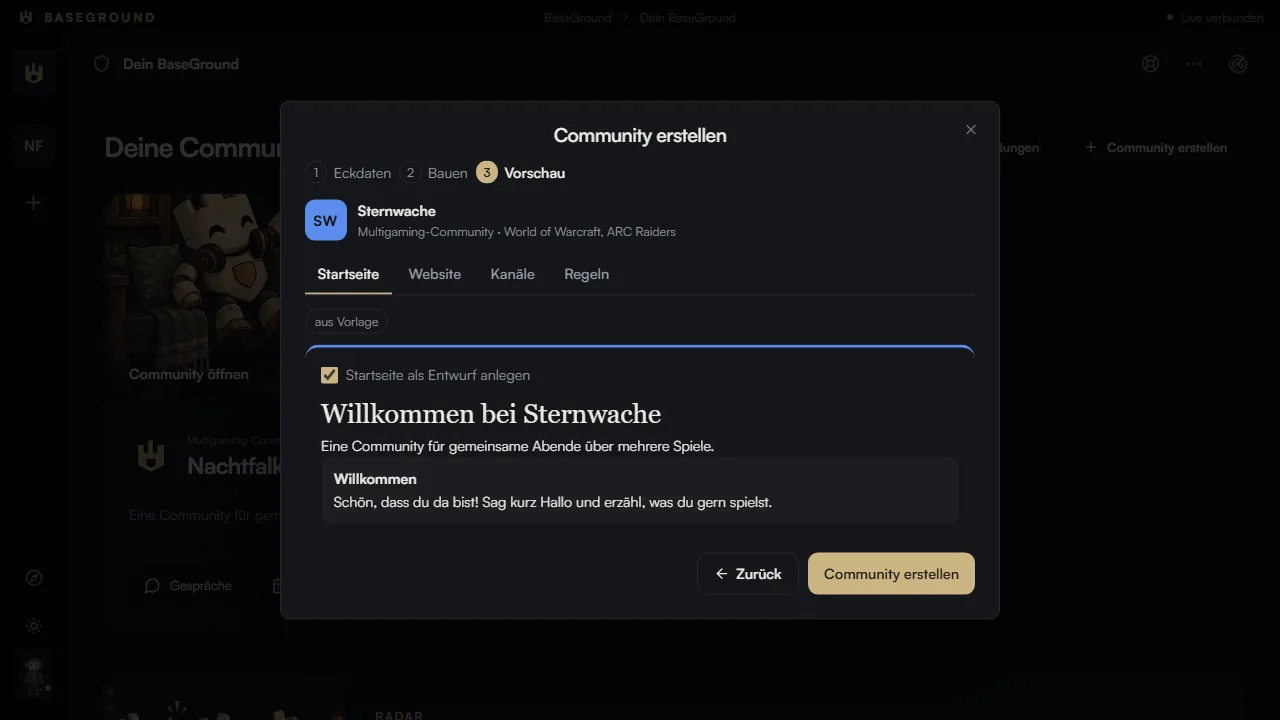
Enter the key facts, check the preview, create. Or start from a template without Base at all.
Built from blocks, in German and English, at your address or your own domain.

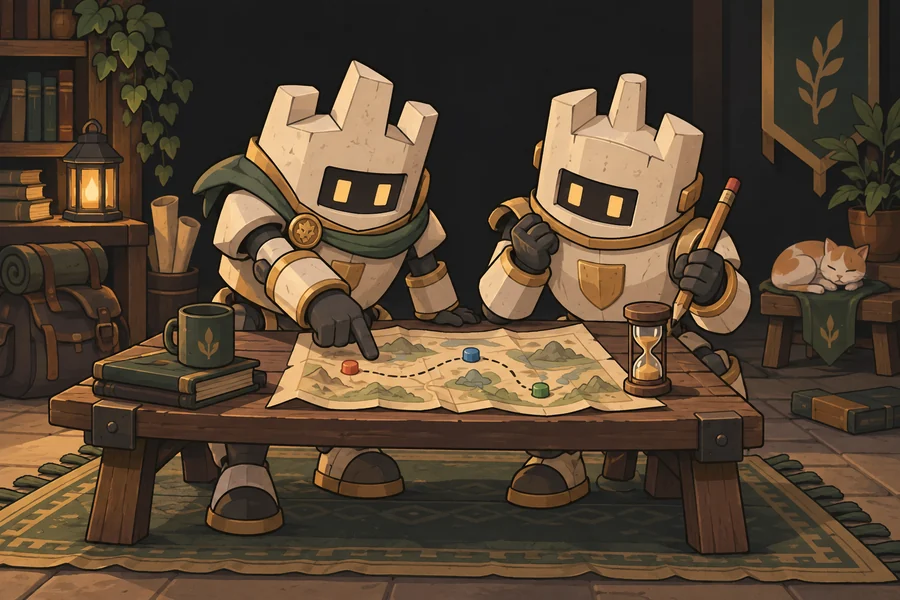
Events with roles and sign-ups, then attendance in one click.
Runs right in the browser – the Windows app is an extra.
Install, sign in, get going.
Windows doesn’t know the app yet and may show “Windows protected your PC” on first launch. Then click “More info” and “Run anyway”.
SHA-256 · To compare after downloading
Create an account and found a community – with Base or from a template. Or join an existing one with an invite code. The help in the app explains every step.
To the web appBase suggests setup, texts, blocks and translations. You see every change in the preview and decide. Base never touches roles and permissions, and only what you confirm gets published.
You enable every game you play. Dedicated game tools exist for World of Warcraft, Counter-Strike 2, Valorant, League of Legends, ARC Raiders, Apex Legends, Dota 2, Destiny 2 and Rust. Changing data such as map pools always shows when it was checked.
You can export your data at any time and delete your account yourself. After a seven-day grace period it is completely gone. Posts remain as “Deleted account”.